Why broken links hurt your website
Learn why broken links affect SEO, user experience and page trust, and how to fix them correctly.
- Published
- Jun 05, 2026
- Updated
- Jun 05, 2026
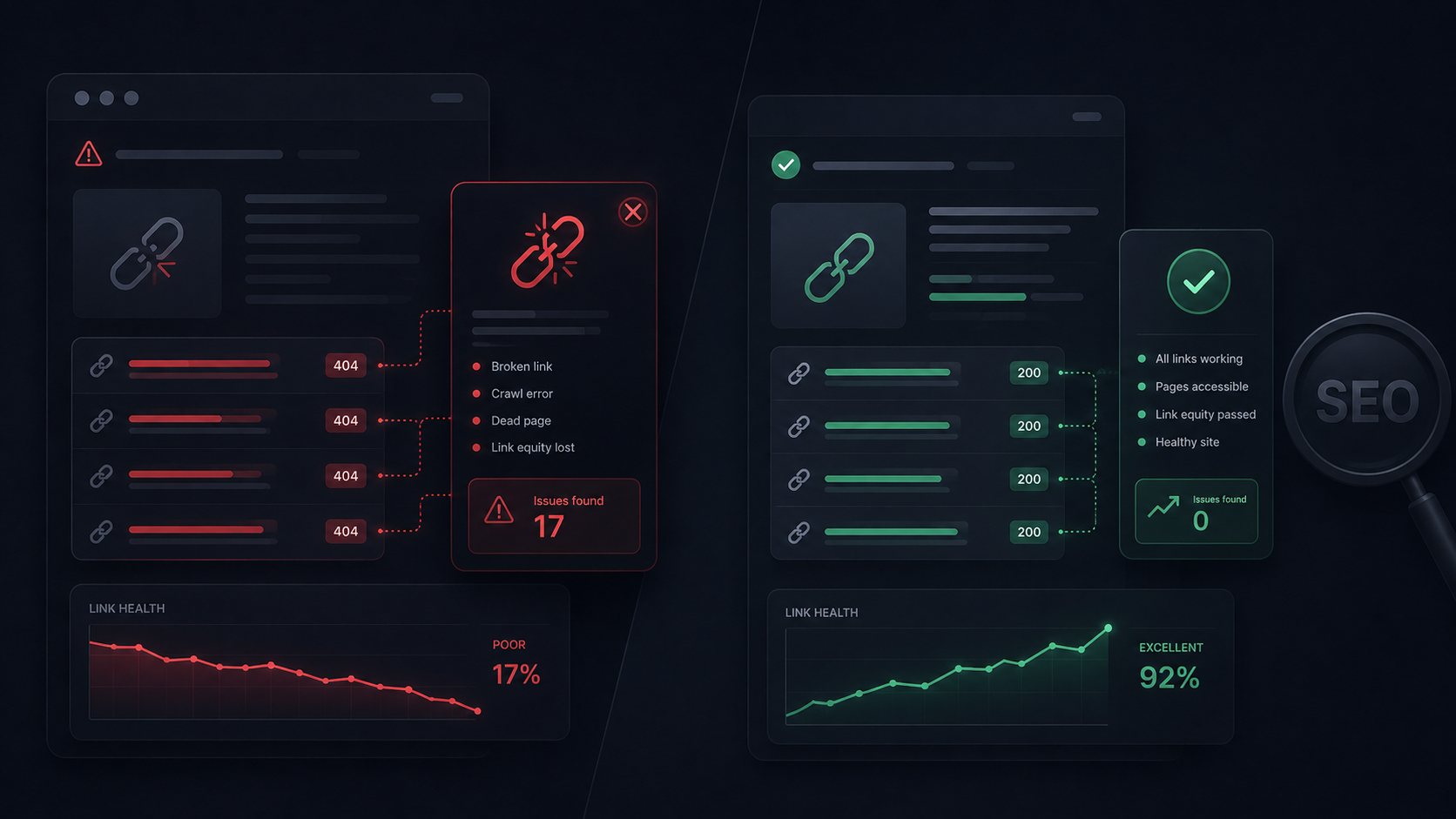
A broken link may look like a small detail, but it can break the experience of an entire website. When a user clicks a link and lands on a 404 page, they lose context, trust and continuity.
For search engines and audit tools, broken links are also a maintenance signal. A page with internal or external links that no longer work can communicate lower quality, make crawling harder and reduce the usefulness of the content.
What is a broken link?
A broken link is any link pointing to a URL that does not respond correctly. It can be a deleted page, a mistyped URL, a broken redirect, a moved resource or an external domain that no longer exists.
Why it matters for SEO
Links distribute context and authority across a website. If a page links to URLs that return errors, crawlers waste time, users lose trust and the content loses practical value.
User experience impact
Users do not separate small technical issues from a poorly maintained website. If a link promised a guide, product, legal policy or useful resource and ends in an error, the perception of quality drops immediately.
How to fix it
The right solution is not to delete links blindly. First identify the broken link, understand whether it is internal or external, decide whether an equivalent URL exists and apply the correct fix.
- If an internal link points to a moved page, update the URL or create a 301 redirect.
- If the content no longer exists, link to a relevant alternative.
- If an external link fails, find an active source or remove the reference if it no longer adds value.
- If the issue is a typo, correct the href directly.
Best practices
Review links after major content changes, migrations, redesigns, slug changes or page removals. A recurring audit prevents errors from accumulating.
Visual guide
Find and fix broken links before they hurt the experience
Walk through a mini page, inspect the broken HTML and compare the correct fix to keep the website crawlable and reliable.
DEMO PAGE
Web audit services
Page with a broken internal link
Broken link
Web demo
The user tries to open a related guide, but the link points to an old URL that no longer exists.
FAQ
Can a broken link affect SEO?+
Yes. It can affect crawl efficiency, user experience and the perceived quality of the content.
Should I always delete a broken link?+
Not always. If an equivalent page exists, update the link. If the old URL had value, create a 301 redirect.
Do broken external links matter too?+
Yes. Even if they are outside your domain, they can reduce the usefulness of the content and user trust.
How often should I check broken links?+
After major changes and periodically. On active websites, recurring checks prevent errors from accumulating.
Turn theory into action
Turn this guide into a real audit of your site
Use UOPIX to see whether this same issue appears on your pages and get a concrete fix per URL.
Grouped issues
Code and context
Clear recommendations